Misgif
Tools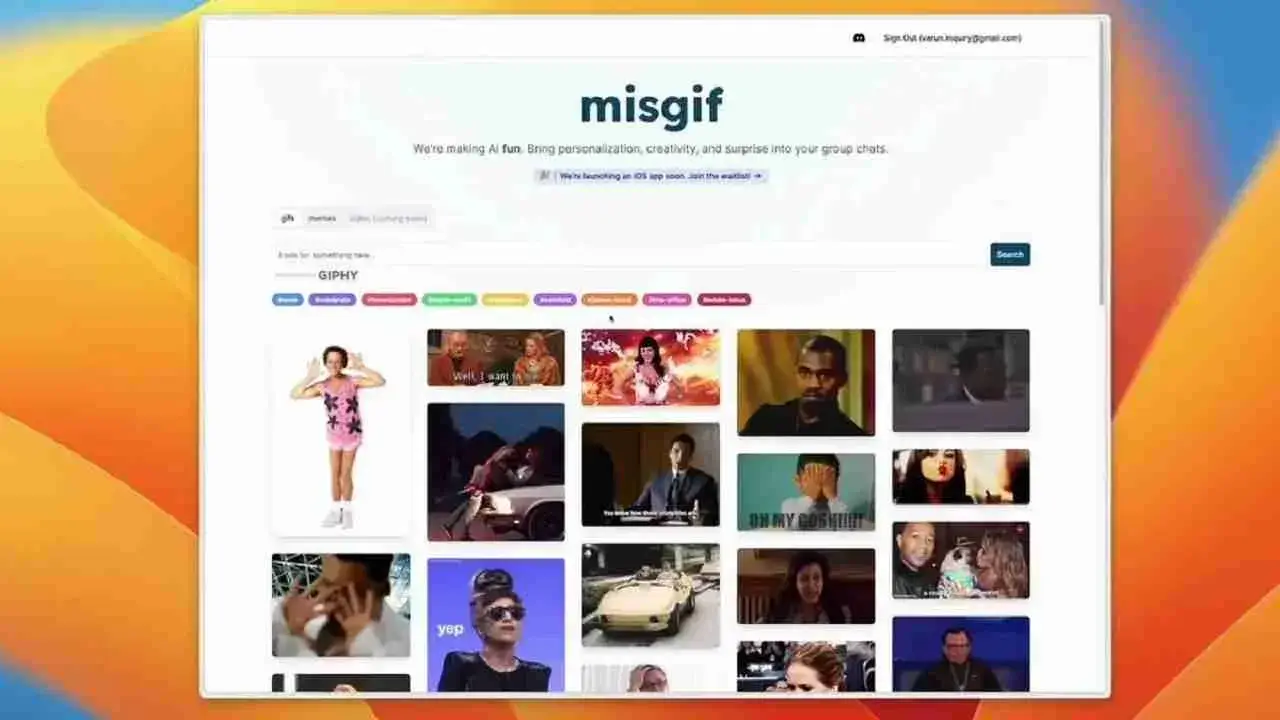
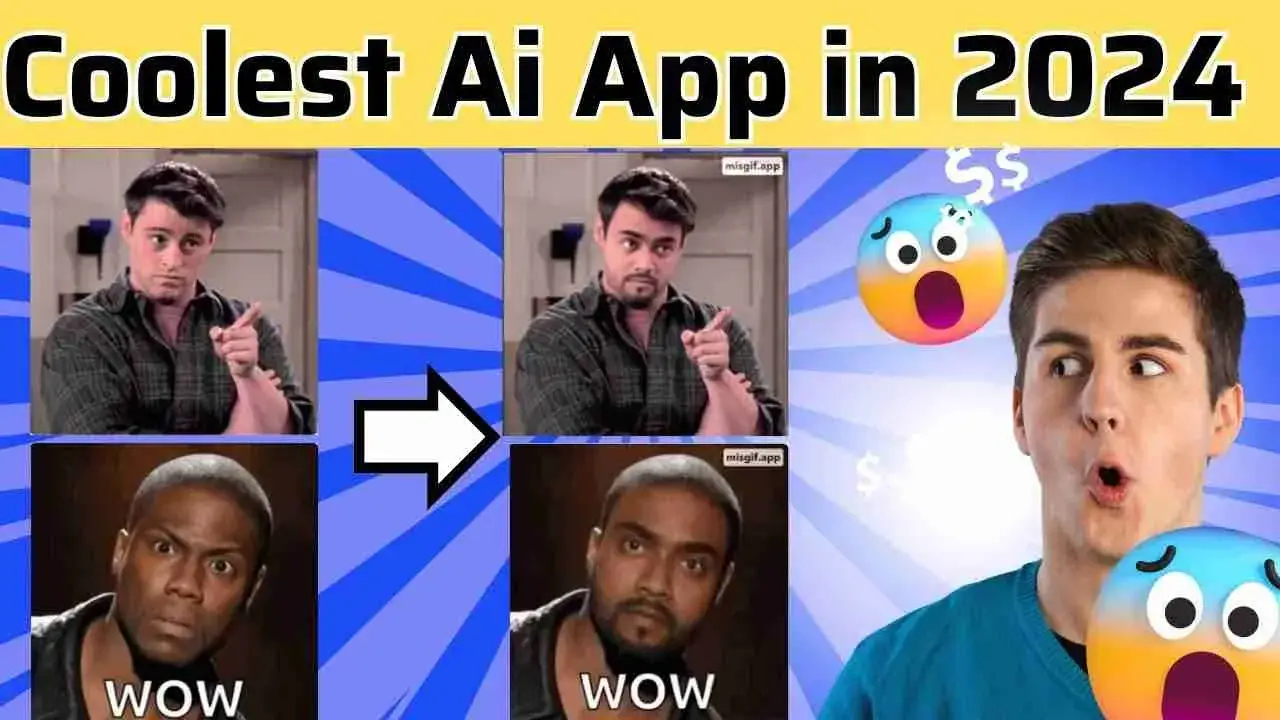
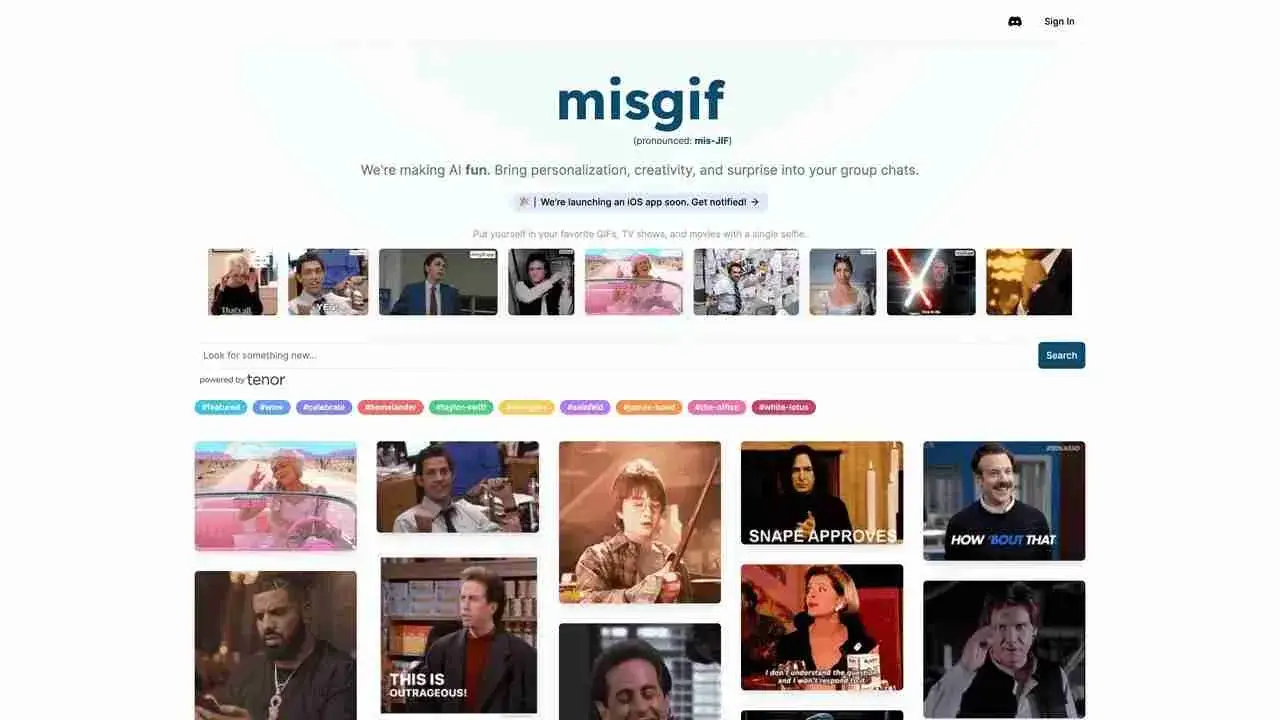
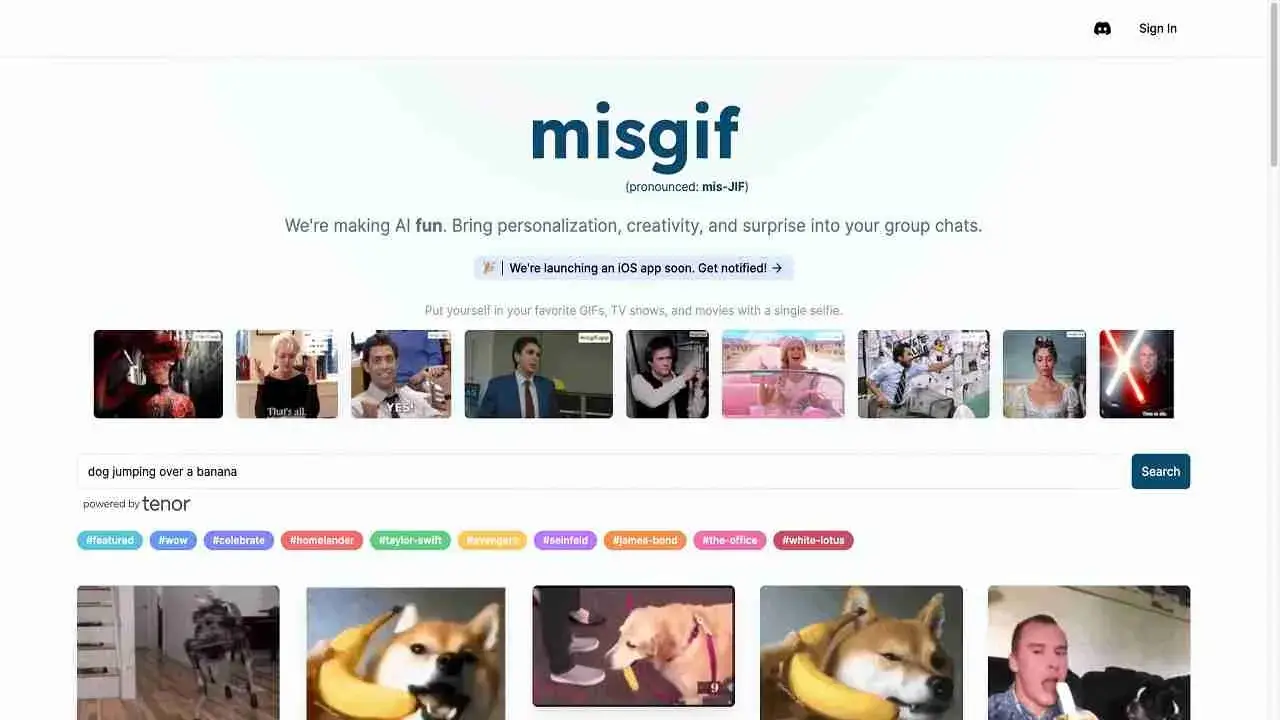

Misgif is a lightweight Android app that lets you place your face onto popular memes, animated GIFs, and iconic movie scenes. The interface is built for quick swaps, so you can create a funny clip in just a few taps and share it in your chats.
With a modest 4 MB download size, Misgif runs smoothly on most devices and doesn’t require a large amount of storage. This page covers the core features, installation steps, compatibility, and safety considerations for the latest version (4.7).
Quick Information
| App/Game Name | Misgif |
| Latest Version | 4.7 |
| Developer | Not listed |
| Category | Apps / Tools |
| App Size | 4 MB |
| Package Name | com.misgif.official |
| Last Updated | 24 September 2025 |
What Is Misgif?
Misgif is designed for users who want to add a personal twist to the memes and GIFs they share. After selecting a template, you can import a photo, align your face, and the app blends it into the animation. The result can be saved locally or shared directly to messaging apps.
The tool targets casual users who enjoy humor in their conversations. It does not offer advanced editing capabilities like frame‑by‑frame control, and it does not require a user account.
Compatibility
| Android Version | ✓ Verified — 5.0 and up |
| Architecture (ARM64 / 32-bit) | ✓ Verified — Supports common device architectures |
| Internet Connection | ✓ Verified — May be required for ads, updates, or login |
| Storage Needed | Not Verified |
| OBB/Data Files | Not Verified |
| Root Required | Not Verified |
How to Install
- Enable Unknown sources in your device settings (Settings ► Security ► Install unknown apps).
- Download the Misgif APK file to your device.
- Open the downloaded file and tap Install.
- Once installation finishes, tap Open to launch Misgif.
Troubleshooting
- App not installed: Verify that the APK is fully downloaded and not corrupted. Re‑download if necessary.
- Crashes on startup: Clear app cache (Settings ► Apps ► Misgif ► Storage ► Clear cache) and try again.
- Face overlay not aligning: Use a clear, front‑facing photo with good lighting for best results.
- Sharing fails: Ensure the target messaging app has permission to access files on your device.
Safety & Security
Misgif is an unofficial APK, so download it only from a trusted source. Review the permissions it requests; the app should only need access to storage and the camera. Avoid entering personal or financial information within the app, as it does not provide a login system. Keep an eye on future updates, as newer versions may change required permissions.
How Misgif Compares
| Feature | Misgif | GIPHY | Meme Generator |
|---|---|---|---|
| Price / Free model | Free (ad‑supported) | Free with ads, optional subscription | Free with ads |
| Platform availability | Android only | Android, iOS, Web | Android, iOS, Web |
| Standout feature | Face‑swap into GIFs & movie scenes | Massive searchable GIF library | Extensive meme template collection |
| Best for | Quick, personalized meme creation | Finding and sharing ready‑made GIFs | Creating classic image‑based memes |
Alternatives
- GIPHY – Offers a huge library of GIFs and a simple editor for adding text or stickers.
- Meme Generator – Focuses on classic meme templates with easy captioning tools.
- ImgPlay – Lets you create and edit GIFs from videos or photos, with frame‑by‑frame control.
- GIF Maker – ImgFlip – Provides quick GIF creation from images and videos, plus a web version.
Final Verdict
Misgif is a fun, lightweight option for anyone who wants to personalize memes and GIFs with their own face. It works well on most Android devices, but it lacks the extensive libraries of larger services like GIPHY. Users should verify the APK source and be comfortable with ad‑supported software. If you enjoy quick, custom meme creation, Misgif is worth a try; otherwise, broader tools may suit you better.
Frequently Asked Questions
Download Misgif only from a reputable source, review the permissions it asks for, and avoid entering any personal or financial data.
The app needs internet access to download meme and GIF templates, but you can edit and save creations offline after the templates are loaded.
No, Misgif works without any registration or login.
Misgif runs on Android 5.0 (Lollipop) and newer, though performance improves on newer versions.
This can happen if the APK is incomplete, if unknown sources are not enabled, or if the device lacks enough storage space.
Download the newest APK (v4.7) and install it over the existing version; the installer will replace the old files while keeping your data.
Misgif creates standard image or GIF files that can be shared through most messaging apps, but some platforms may limit file size or format.
No premium version is listed; the app is currently free and supported by ads.